Properties and businesses
Rename a property or business
You can change the name of any property or business from its Settings tab. For UK property and self-employment the name is only a label for you, so it does not need to match anything HMRC holds.
Under a minute · Updated 17 November 2026
Does the name need to match HMRC?
No. HMRC does not keep a name for each rental property. All your UK lettings sit under one “UK property” business on their side, identified by a reference number, and Quarterwise links to that business rather than to any name. Self-employment works the same way: we link to the business HMRC holds for you, whatever you call it here.
So call each one whatever helps you tell them apart: the street, “Mum’s flat”, or a trading name. Renaming never changes anything you have sent to HMRC.
Overseas properties are the exception. HMRC keeps a list of the overseas properties you report, and the name and country are sent when you register one. If you rename an overseas property after registering it, select Update with HMRC on its Settings tab so their list shows the new name.
If the HMRC page says it cannot find your business, the name is not the cause. See below.
Step by step
1. Open the property or business
From your dashboard, select the property or business you want to rename.
2. Open the Settings tab
Under the totals for the year there is a row of tabs. Select Settings, the last one.
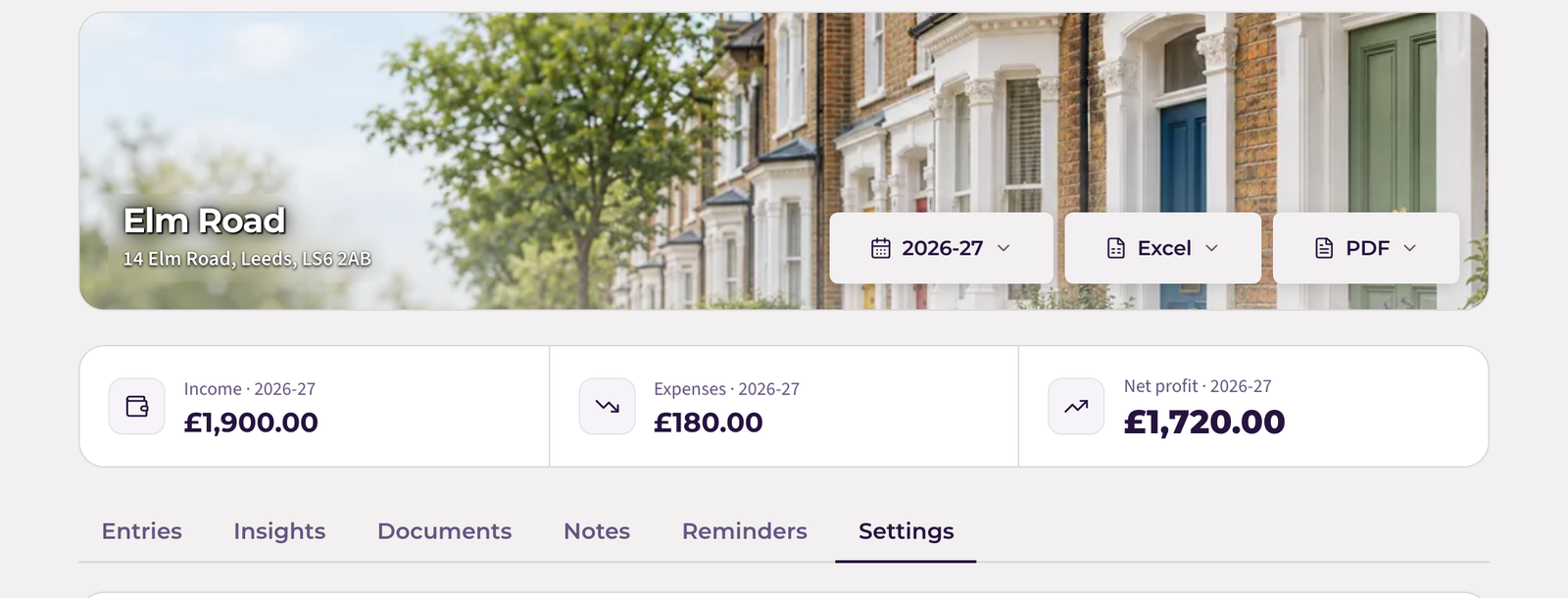
3. Change the name
The first card is Property details. Type the new name into the Name box. You can update the address and postcode here too if you like; neither is sent to HMRC.
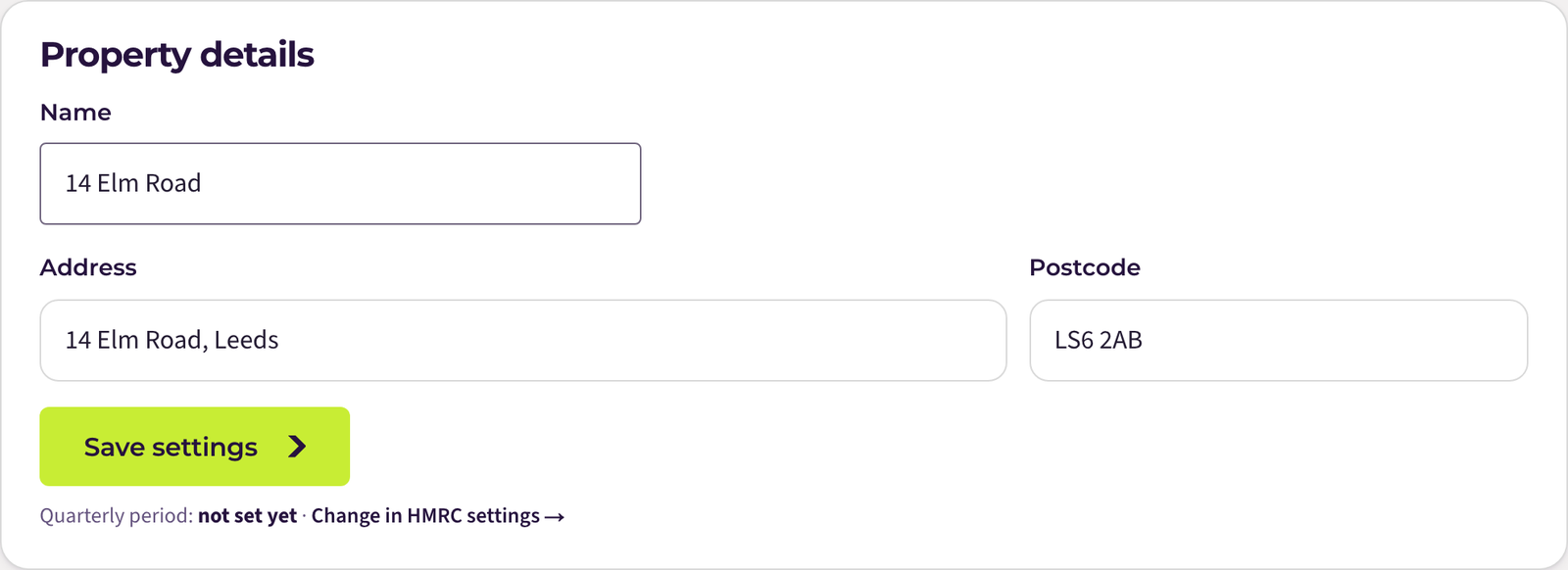
4. Select Save settings
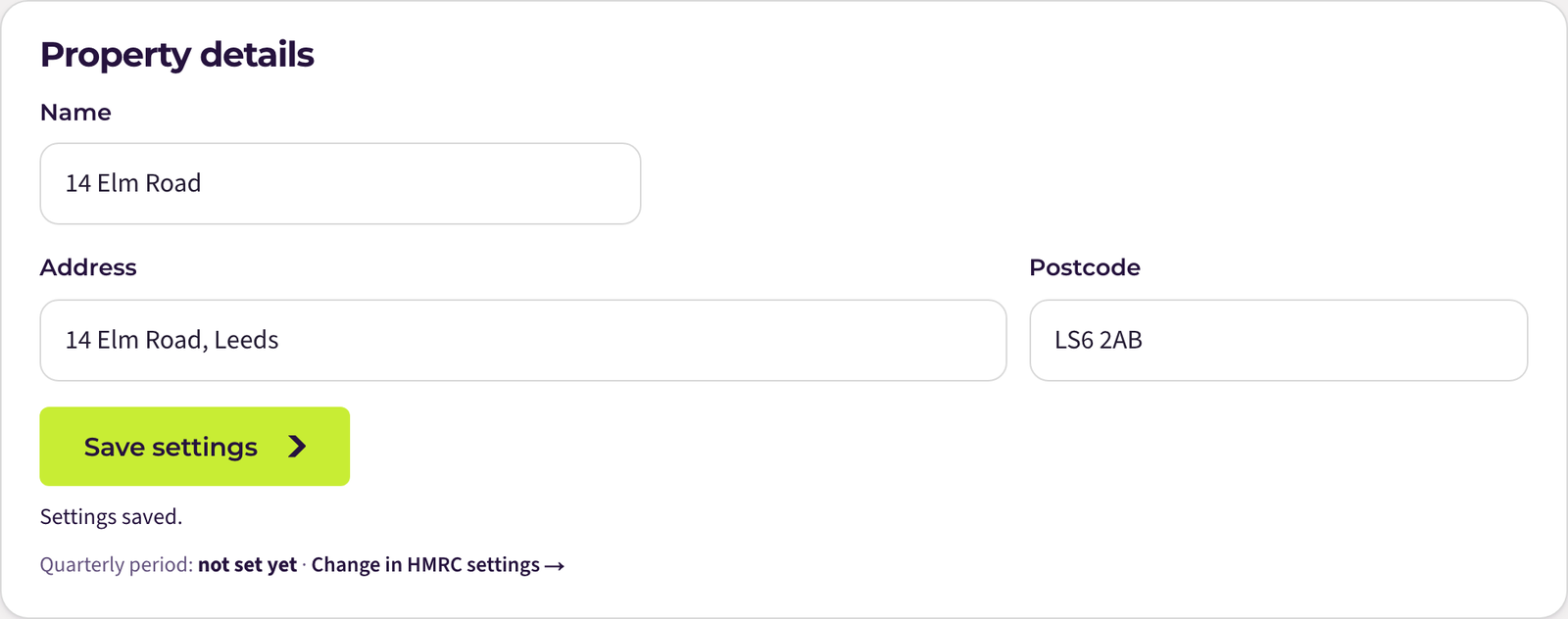
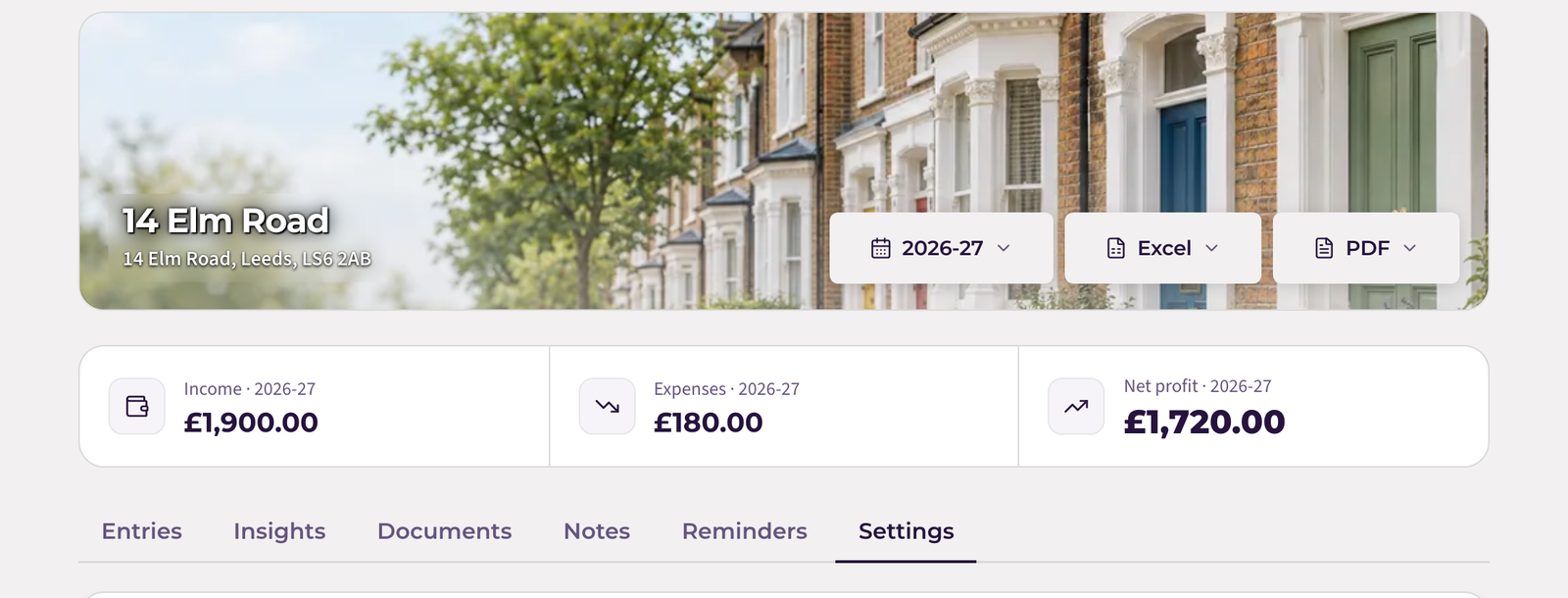
You will see Settings saved under the button. The new name shows at the top of the page, on your dashboard and in your Excel and PDF downloads from now on.
Renaming a business
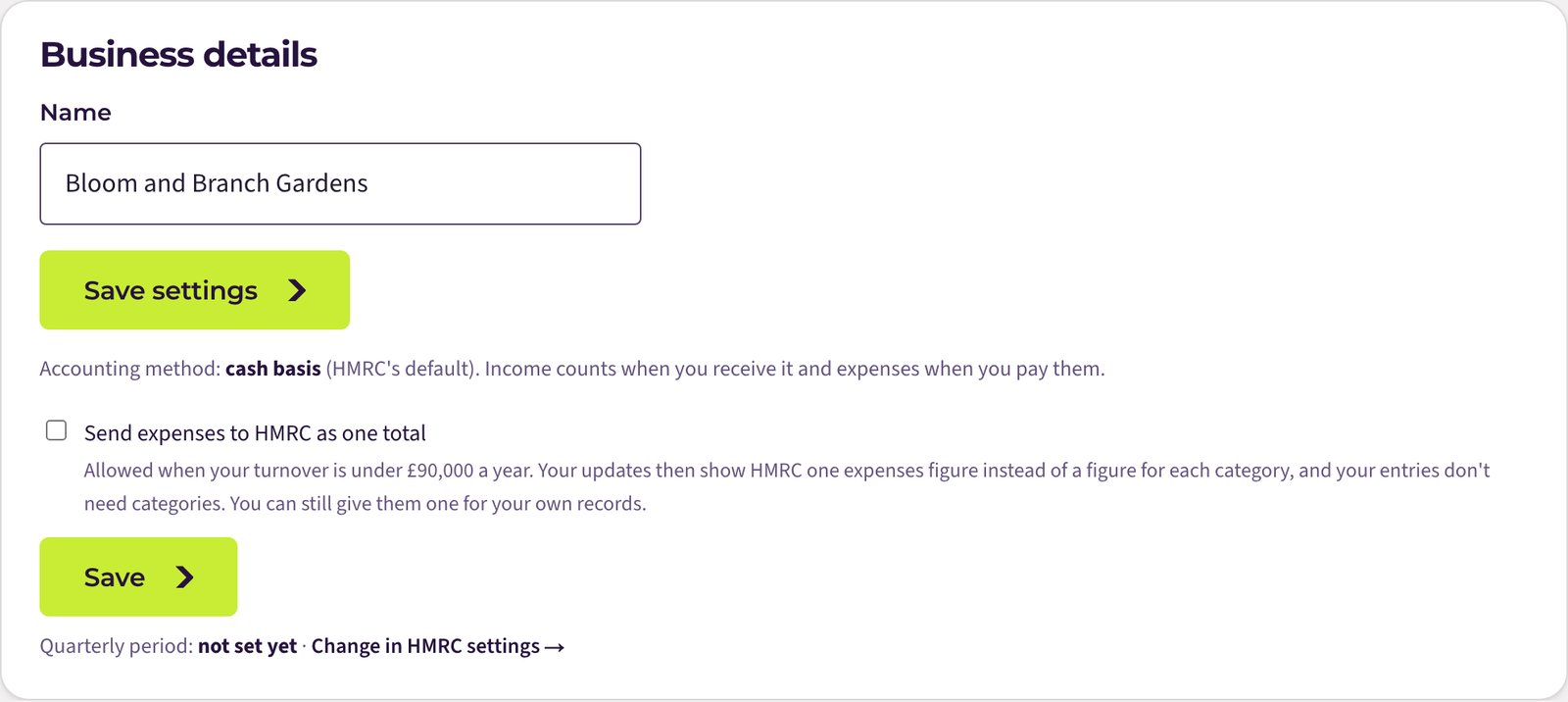
It works the same way. Open the business, go to Settings, and the first card is called Business details. Change the name and select Save settings.
If something stops you
- “Only the owner can change settings”: the property has been shared with you by someone else. Ask them to rename it; the new name will show for you too.
- The name box is empty when you save: a name is required. Type something, even just the street name.
If HMRC cannot find your business
When the HMRC page says your account is not signed up for Making Tax Digital for Income Tax, renaming will not help. Usually either you have not signed up with HMRC yet, or you connected with a different Government Gateway user ID from the one you use for Self Assessment. You can sign up on GOV.UK, then go back to the HMRC page and select Find my businesses.
Still stuck?
Email support@quarterwise.co.uk and say which step you are on. A person reads every message.